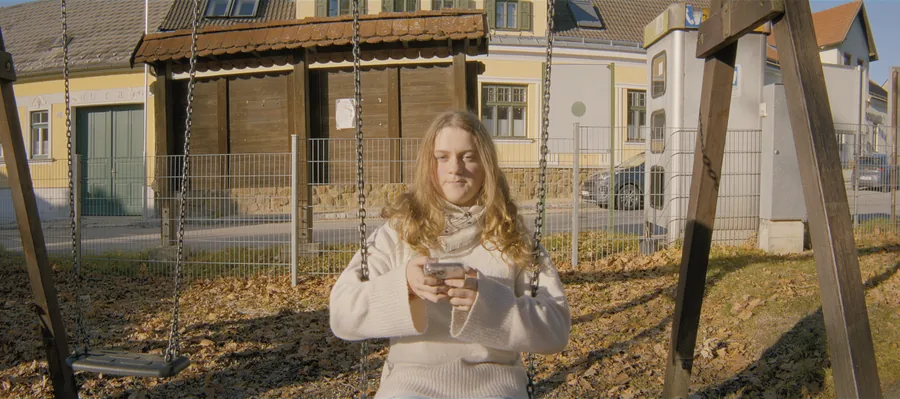
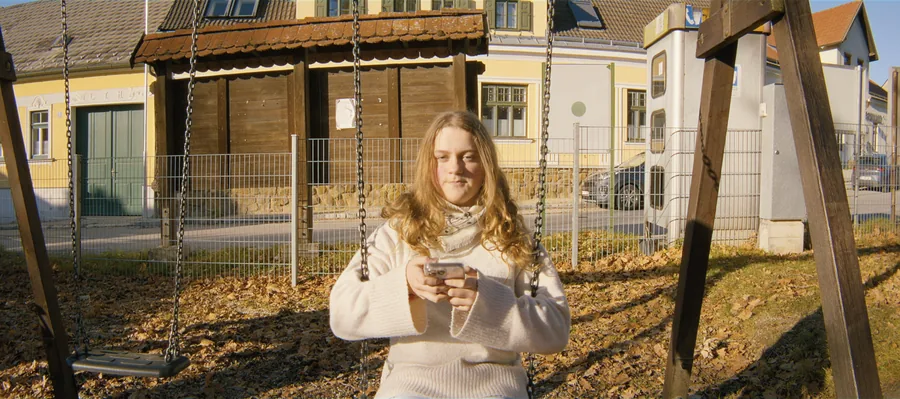
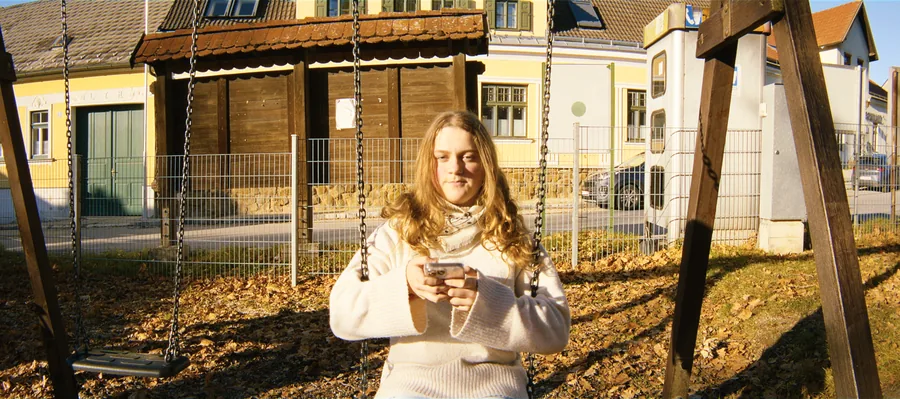
A high-contrast exterior on 250D and 2383, with three print contrasts. The blacks stay deep in all three.
Projection print or television print.
Labs made projection prints at full contrast, and softer, lower-contrast prints for television and video.
A softer print opens the mid-tones and loses some colour, the way an old telecine print does.
Softer around grey, deep at black.
Print Contrast 1 is the full projection print. Lower values soften the print around grey while the deepest shadows steepen again, so black stays black. The default of 0.7 gives a tone curve close to ACES 2.0.
Print Color sets the colour separation of the print; 1.15 keeps saturation natural at the default contrast.
How to use it
Set it once
Both are project settings. They are the strongest look decisions in onelight.
Agree on it together
The best place for a director and DP to agree on the film, before the grade starts.
Grade after, not instead
For a scene-by-scene look, grade on top of onelight in Resolve and leave these alone.
The controls
| Control | Range | Default |
|---|---|---|
| Print Contrast1 = full-contrast projection print (Kodak 2383 as measured). Lower = softer print, like the low-contrast prints labs made for video. 0.7 gives a tone curve close to ACES 2.0. Deep blacks stay deep at every setting. | 0.5 to 1 | 0.7 |
| Print ColorColour separation of the print. A softer print also loses colour; 1.15 keeps overall saturation normal at contrast 0.7. 1 = exactly as the print. | 0 to 2 | 1.15 |
Shot digital. Printed on film.
Try every feature free for 14 days. No card needed.