See the film while you decide the look.
From the first camera test to the last day of the grade, look at a print, not at flat log or a stand-in LUT.
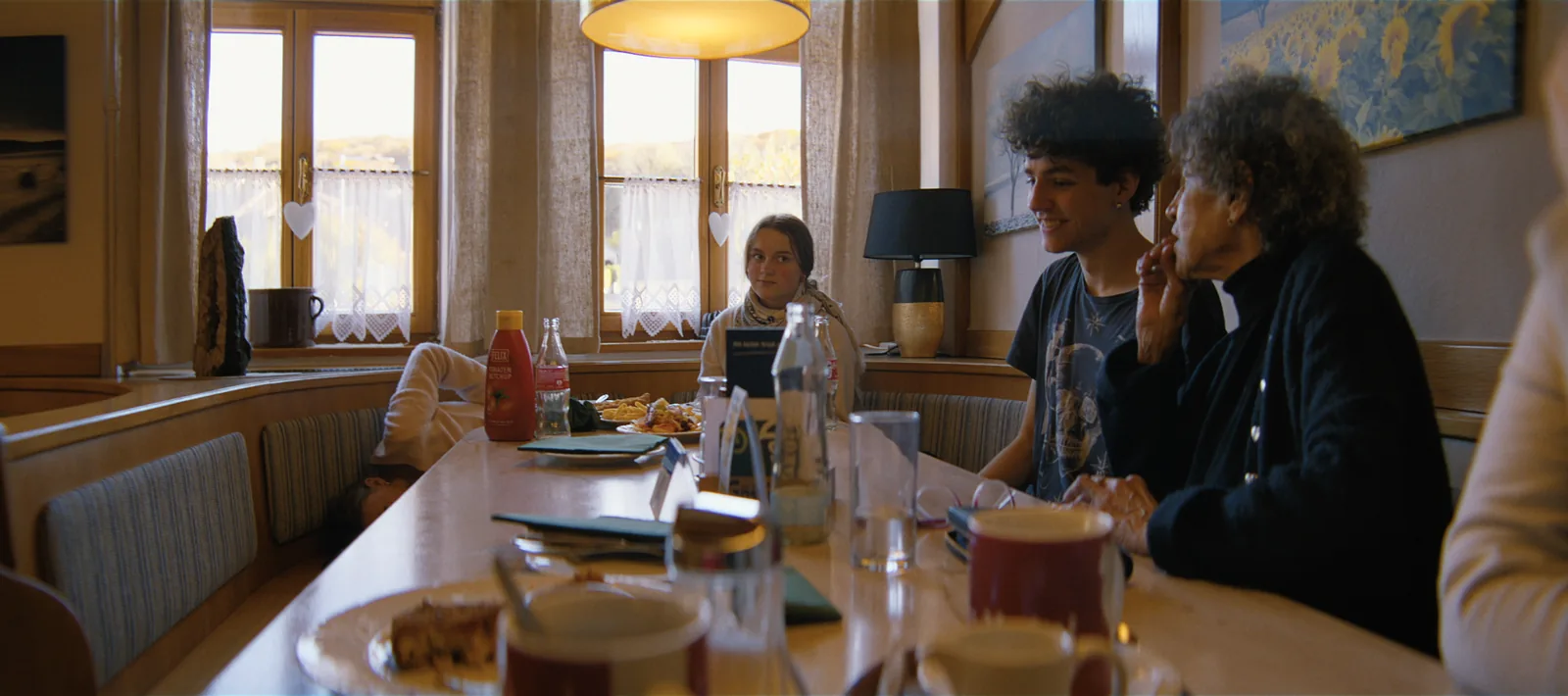
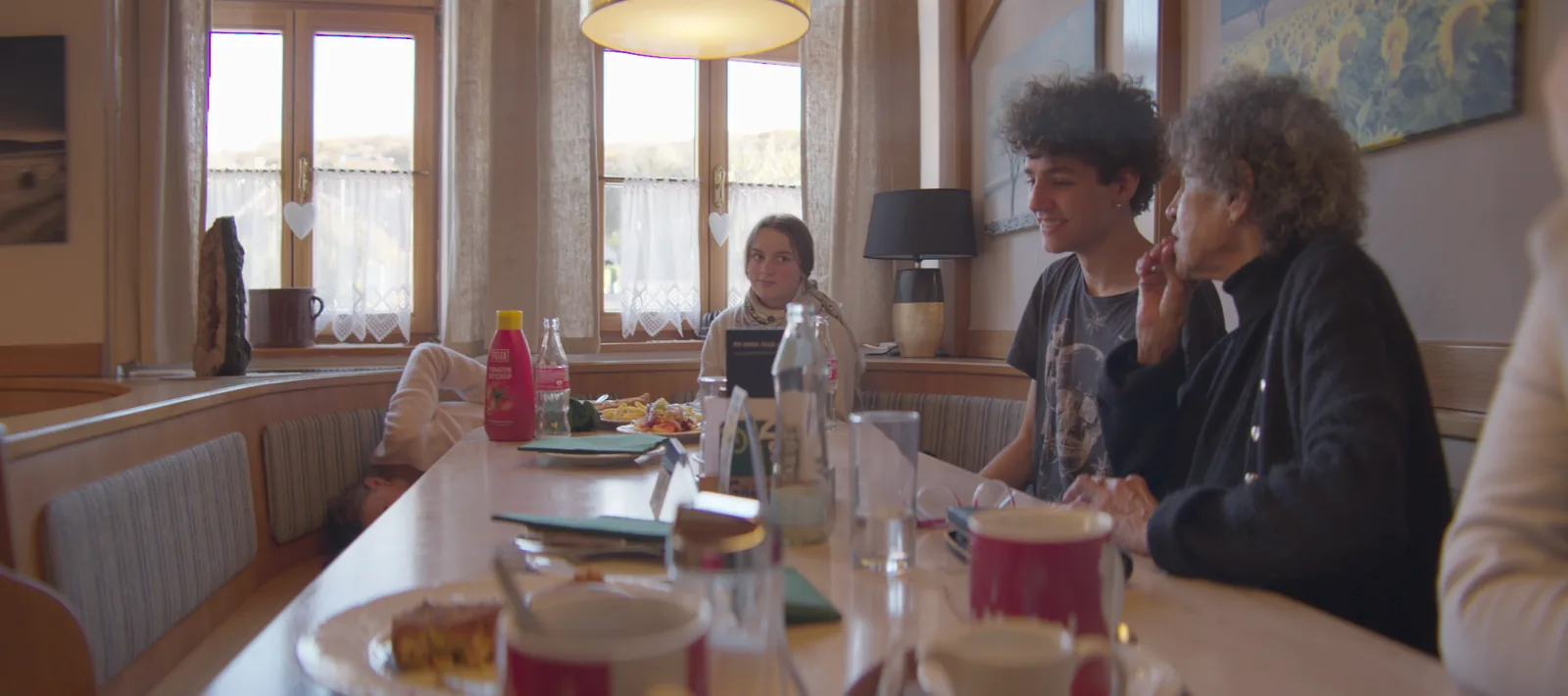
Decisions get made on what people see.
On most digital films the director spends months looking at flat log or a quick Rec.709 LUT, and the real look only appears in the last weeks of the grade. By then, the edit, the pacing and many performance choices were made on a different picture.
onelight gives you the film from day one. Put it on your camera tests, your dailies and your offline, and the whole team judges the same image the audience will see: a neutral film print you can still change.
How to set it up
Test stocks, not LUTs
On your camera test day, look at the same shots on 500T, 250D and 50D, on 2383 and 2393. Choose a film, not a filter.
Lock the print together
With your DP, set Print Contrast and Print Color once. That's the look of the film; everything else is timing.
Watch dailies on film
Your colourist or DIT puts onelight on dailies, so the edit is cut on the film's look.
Tips
It's a base, not a grade
If you love it as it is, keep it. If you want more, grade on top of it in Resolve.
Talk in film language
Warmer is printer points, brighter is a stop. Everyone on set understands it.
Ask for the lab report
It tells you what the lab did to each shot, in plain numbers.
Shot digital. Printed on film.
Try every feature free for 14 days. No card needed.