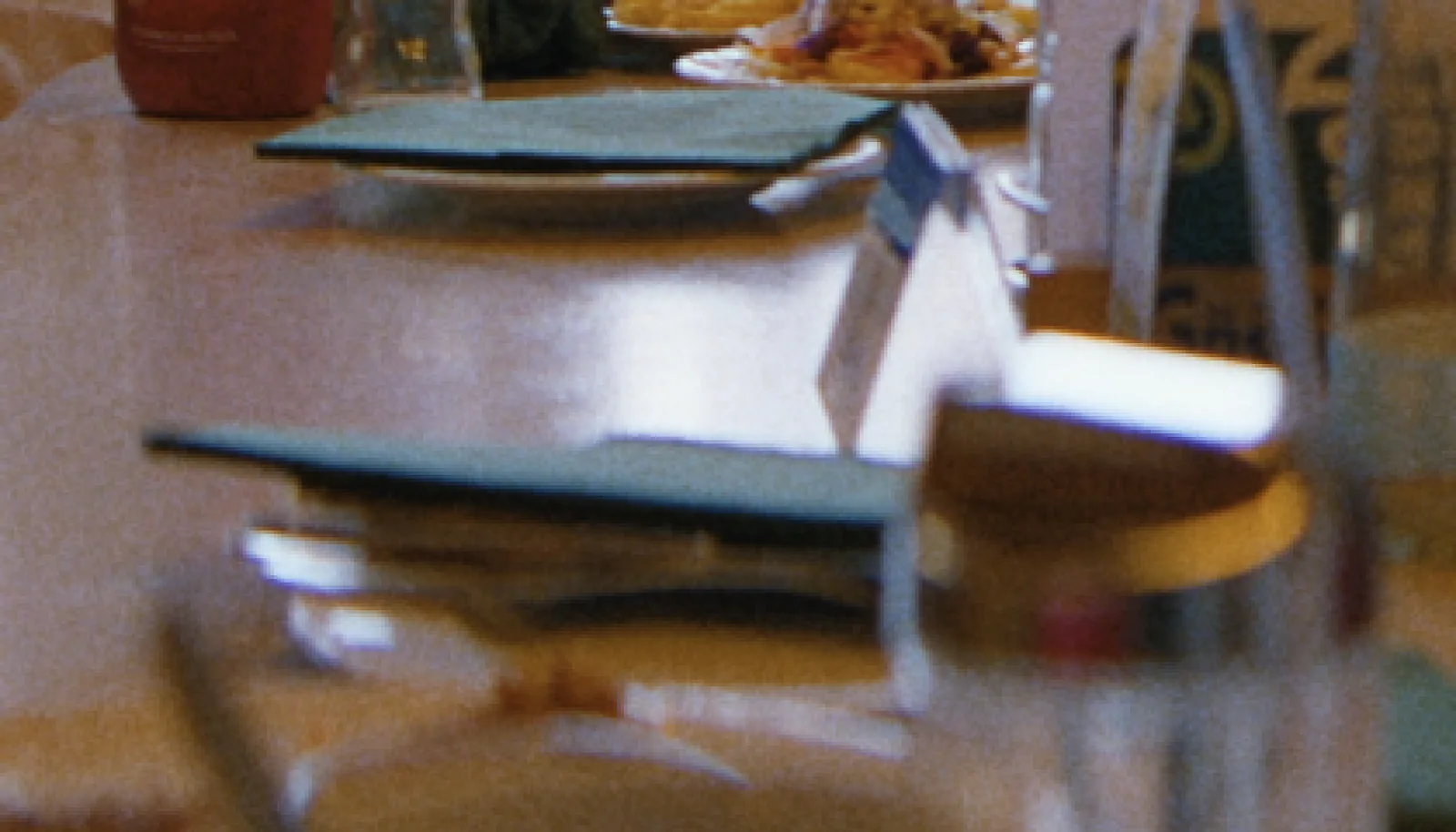
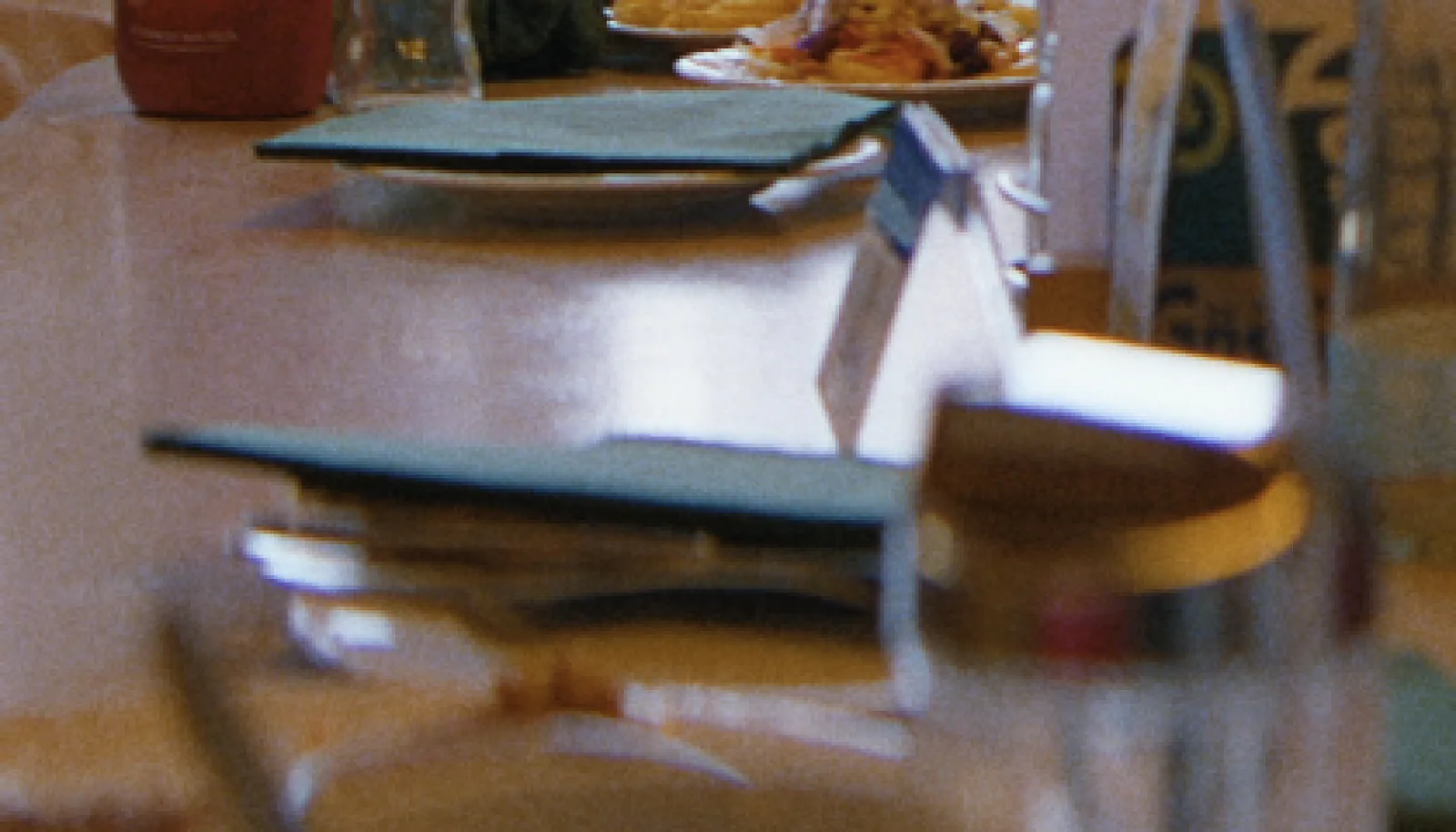
Scanned negativeRelease print
Drag to compare
What film does
Every copy loses a little.
Today almost every film is finished by scanning the negative. Before that, the negative was copied to an interpositive and an internegative and then printed.
Each copy lost a little fine detail and softened the grain.
What onelight does
The copy generations, measured.
Scanned negative keeps the negative's own sharpness. Release print adds the softening of the copy generations, about 4.7 micrometres on the film, measured by ARRI, to the image and to the grain.
On set and in the grade
How to use it
Modern film look
Scanned negative: the way nearly every film is finished today.
Projected print
Release print, when you want the softness of a print running through a projector.
Check in 4K
Judge the difference at full resolution; in HD it's barely visible.
Settings
The controls
| Control | Range | Default |
|---|---|---|
| FinishHow the film reaches the screen. Scanned negative: the camera negative scanned for a digital finish, the way almost every film is finished today. Release print: the negative copied to an interpositive and an internegative and printed for projection; each copy loses fine detail and softens the grain (about 4.7 micrometres more blur, from ARRI's measurements). | Scanned negative (DI) · Release print | Scanned negative (DI) |
Shot digital. Printed on film.
Try every feature free for 14 days. No card needed.