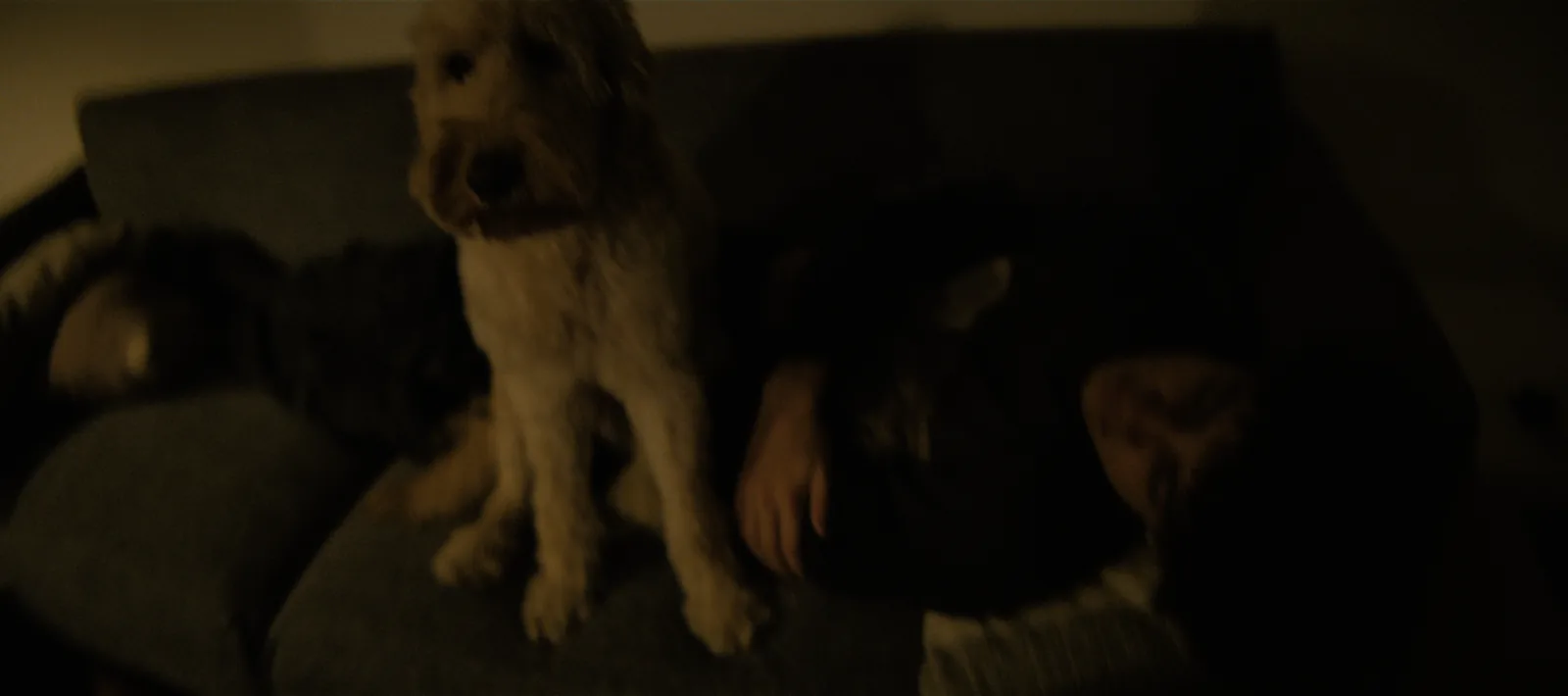
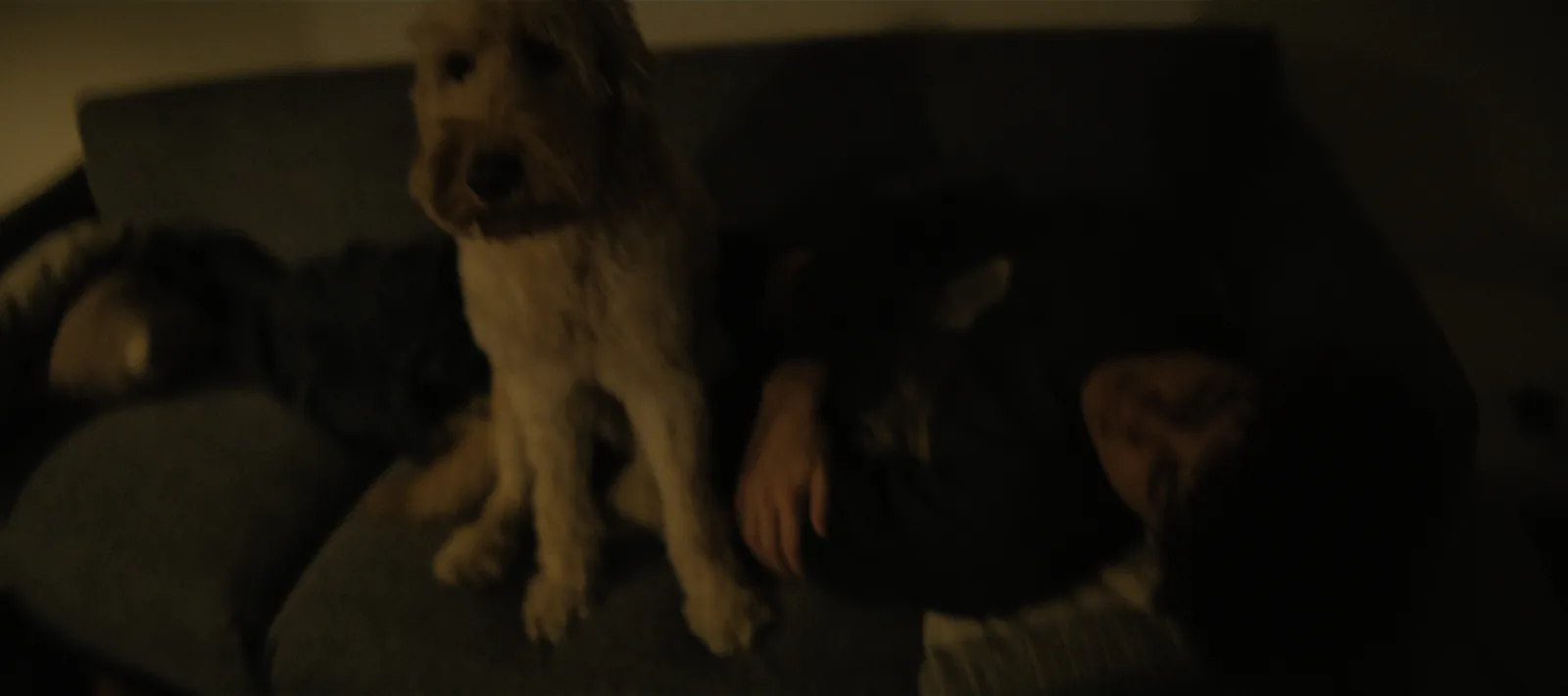
The print turns a negative into a picture.
The negative holds a huge range of light at low contrast. The print stock turns it into a picture: it sets the blacks, the contrast and the way colours separate.
Two prints of the same negative can feel like two different films.
Two prints, calibrated on load.
2383 is the standard release print. 2393, the premium print, has deeper blacks and denser shadows, about half the light of 2383 seven stops under grey, while mid-tones and colour stay within about 10%.
Each print is calibrated when it loads, so grey prints neutral and screen white and black stay clean.
How to use it
Start on 2383
It's the print most films were seen on, and the reference for the rest of onelight.
Go 2393 for the dark
When the film lives in the dark and you want blacks that feel bottomless.
Decide once
The print is a project decision. Change it per scene only on purpose.
The controls
| Control | Range | Default |
|---|---|---|
| Print StockThe print film. 2383 is the standard release print. 2393 (Vision Premier) has deeper blacks and denser shadows; mid-tones and colours print about the same. It was used for premium prints. | Kodak Vision 2383 · Kodak Vision Premier 2393 | Kodak Vision 2383 |
| Print To DisplayOff: no print; the output is a log image for grading elsewhere (see Log Output). | on / off | on |
Shot digital. Printed on film.
Try every feature free for 14 days. No card needed.