Exposure is a choice, not a correction.
onelight separates opening the lens from printing brighter, because on film they look different.
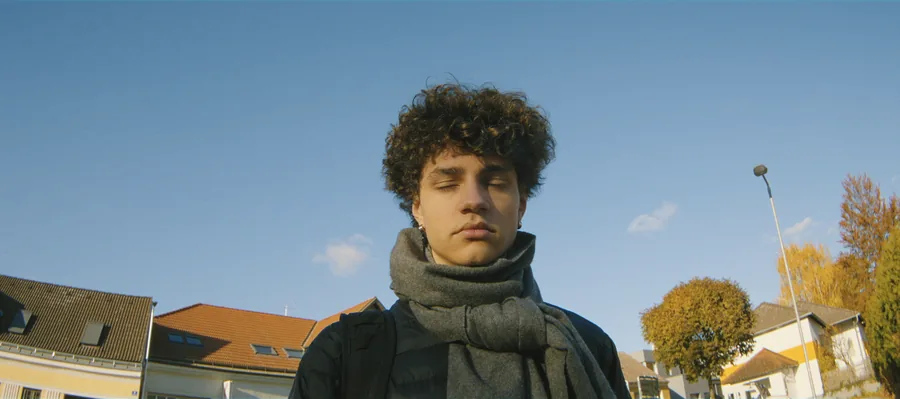
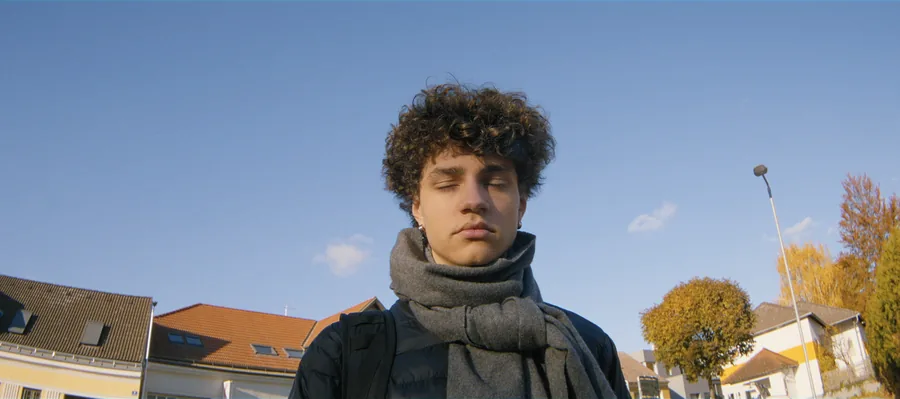
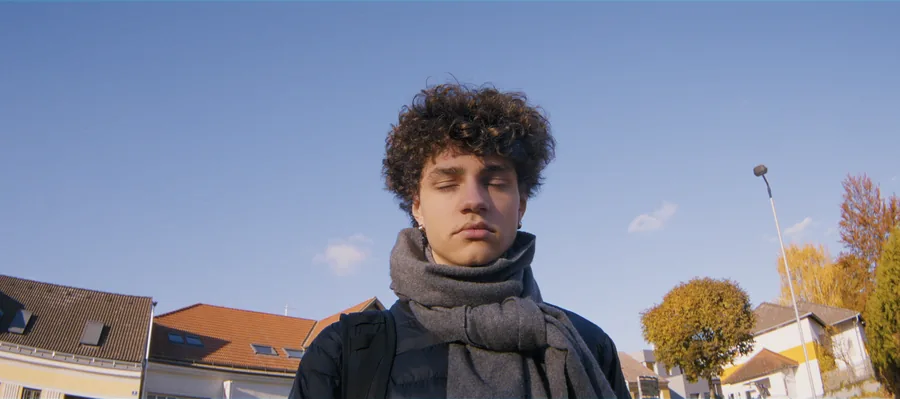
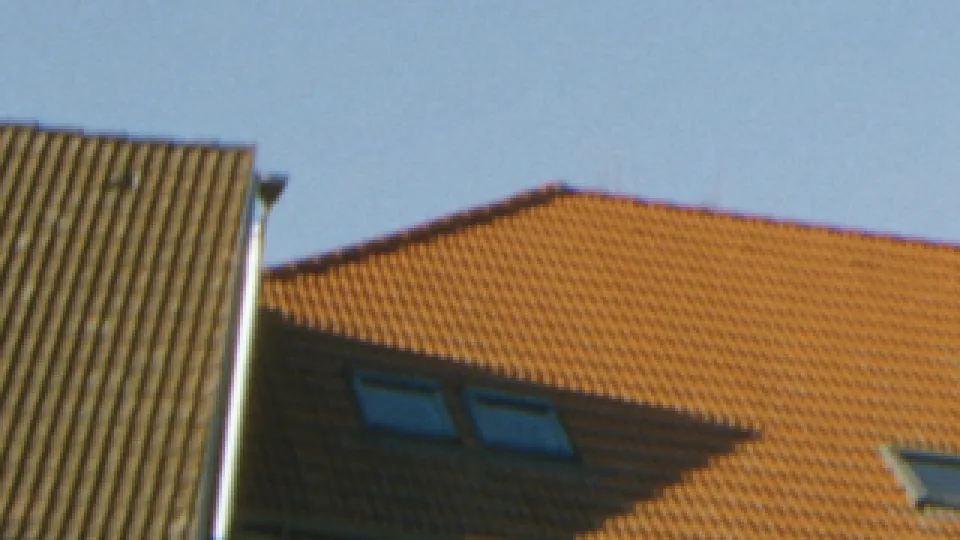
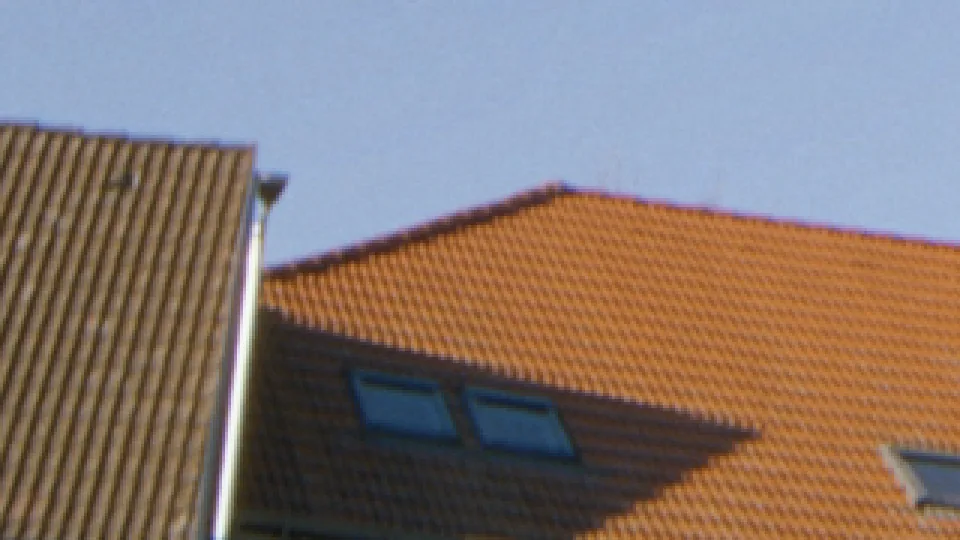
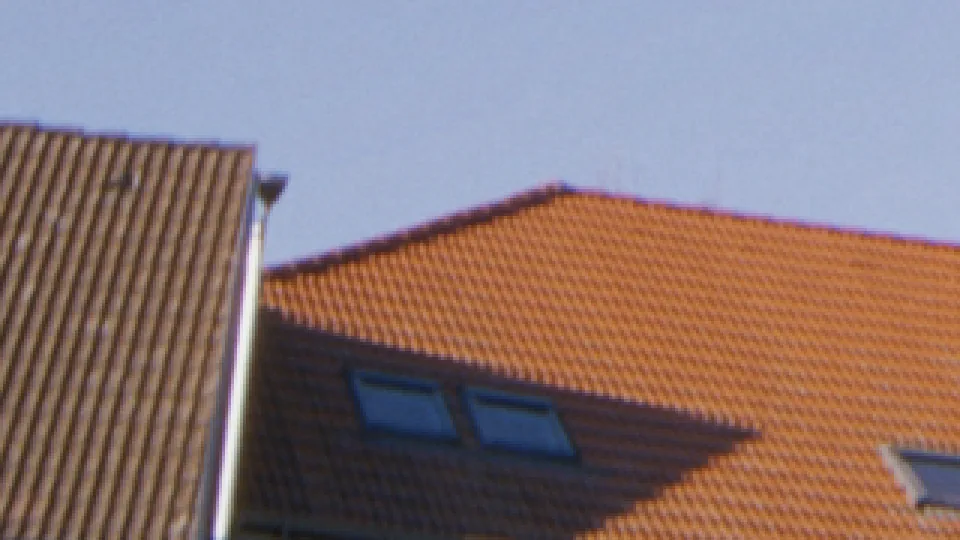
500T, the same shot exposed 2 stops under, normal and 2 stops over, each printed back to the same brightness. What remains is what exposure changes: grain, black density and highlight roll-off.
More light, different crystals.
Give a negative more light and different crystals respond. Shadows get denser and cleaner, grain gets tighter, and highlights roll off more gently.
Printing the same negative brighter changes none of that; it only lifts the picture. That's why cinematographers rate a stock slower than the box says: more density, less grain.
Exposure on the negative. Brightness on the print.
Exposure works on the negative, in stops, before the grain is formed. Brightness of the print is a printer light.
Expose Like Real Stock goes one step further: tell it your camera's ISO, and the negative gets exactly the light the real stock would have got at that stop, including the filter factor. Camera Overexposure tells onelight how far over you rated the camera, so it can print it back down.
How to use it
Rate it slower
Overexpose by a stop for a denser, cleaner negative, then print down with Print Brightness.
Would 50D hold up?
Turn on Expose Like Real Stock and enter your ISO to see whether a night scene would have held on a slow stock.
Underexpose for texture
Two stops under, printed up: thinner blacks and more grain, the classic pushed look.
The controls
| Control | Range | Default |
|---|---|---|
| Exposure StopsLight on the film, like opening or closing the lens. It changes which grains catch the light, so grain changes too. To print brighter or darker without changing the negative, use Print Brightness. | −4 to 4 | 0 |
| Expose Like Real StockOn: the film gets the same light and stop as your camera. A frame correctly exposed at ISO 800 lands 4 stops under on 50D, with the grain and shadows that brings. Off: every stock is exposed correctly. | on / off | off |
| Camera ISOThe ISO you exposed the camera at (S-Log3 base: 800 on most Sony FX cameras). Used by Expose Like Real Stock. | 50 to 12 800 | 800 |
| Camera Overexposure StopsHow much you overexposed the camera on purpose (e.g. 1 when you shot S-Log3 one stop over, with the matching onelight monitoring LUT). Removed before halation and grain, so the film sees the exposure you intended. Set once per camera setup. | 0 to 3 | 0 |
Shot digital. Printed on film.
Try every feature free for 14 days. No card needed.