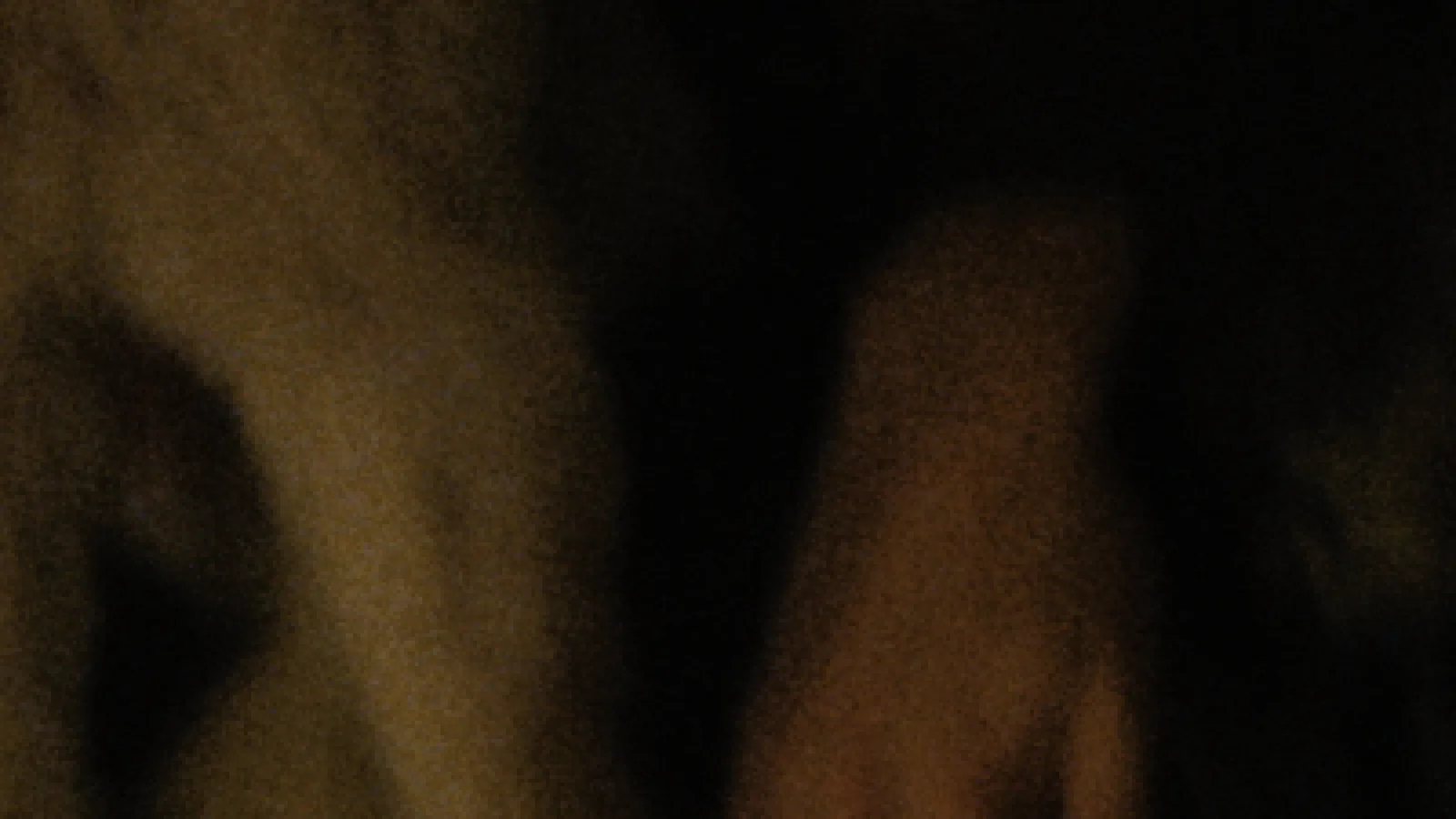
500T, a crop at 200%. The default is a gentle 40% of real 500T; True to Stock is the grain we measured on a real Kodak 5219 scan.
Coarse in the shadows, fine in the highlights.
Each colour layer is made of fast, coarse crystals and slow, fine ones. In the shadows only the coarse crystals respond; with more light the fine ones join in. So grain is coarse in the shadows and fine in the highlights, and the print decides how much of it you see.
It never repeats: every frame is a new piece of film.
Built layer by layer, inside the density.
Grain is built from each stock's own data, layer by layer, inside the negative's density, before the print. 500T carries far more grain than 50D, and the blue layer the most.
It's calibrated against scans of real 500T: the default is a gentle 40% of it, and an Amount of 1.2 gives you all of it. The Grain Map view shows where it will be visible before you render.
How to use it
Tighter grain
Expose a stop over and print down. Grain tightens the way it does on film.
More texture
Underexpose and print up, or choose a faster stock or a smaller format.
Shape it once
Grain Size and Colour Grain set the character for the whole film.
The controls
| Control | Range | Default |
|---|---|---|
| Grain OnFilm grain, changes every frame. | on / off | on |
| Grain Amount1 = the physical model for this stock on Super 35. Measured against a real 500T scan: real 500T is about 1.2 at Grain Size 0.65; the default 0.4 is a gentler look. Strength per tone comes from the stock's three emulsion layers; the print decides how visible it is. | 0 to 3 | 0.4 |
| Grain SizeClump size, defined for an HD-wide frame so HD and UHD look the same. 0.65 matches a real 500T scan. Shadows are coarser than highlights by themselves, like on film. | 0.3 to 3 | 0.55 |
| Color Grain0 = grey grain, 1 = fully independent colour layers. | 0 to 1 | 0.4 |
Shot digital. Printed on film.
Try every feature free for 14 days. No card needed.